Pet Cue
AI auto-shutter
The photo is taken the moment your dog or cat looks at the lens.
Pet Cue › Android
They look. It shoots. One app for Android phones and foldables: on-device AI takes the photo the moment your dog or cat looks at the lens.
On a foldable, the cue can face your pet from the cover screen.
Free to download. Pet Cue Pro is a one-time purchase. No subscription.

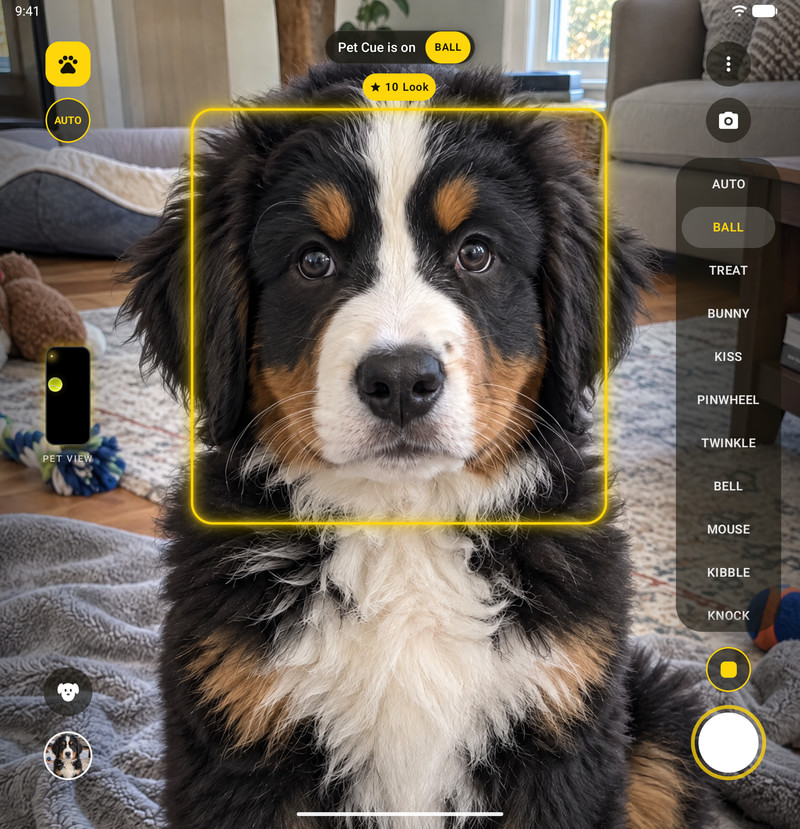
Phones and foldables
The same Pet Cue on an Android phone, a foldable or a tablet: the AI auto-shutter, per-pet learning and cues made for pets.
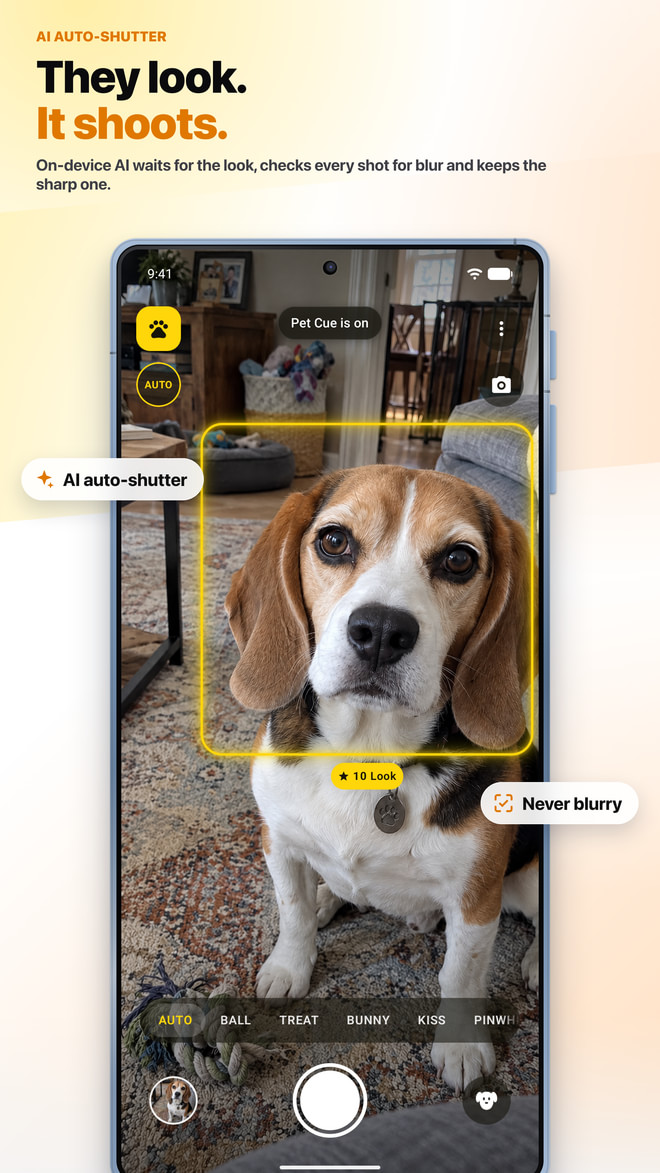
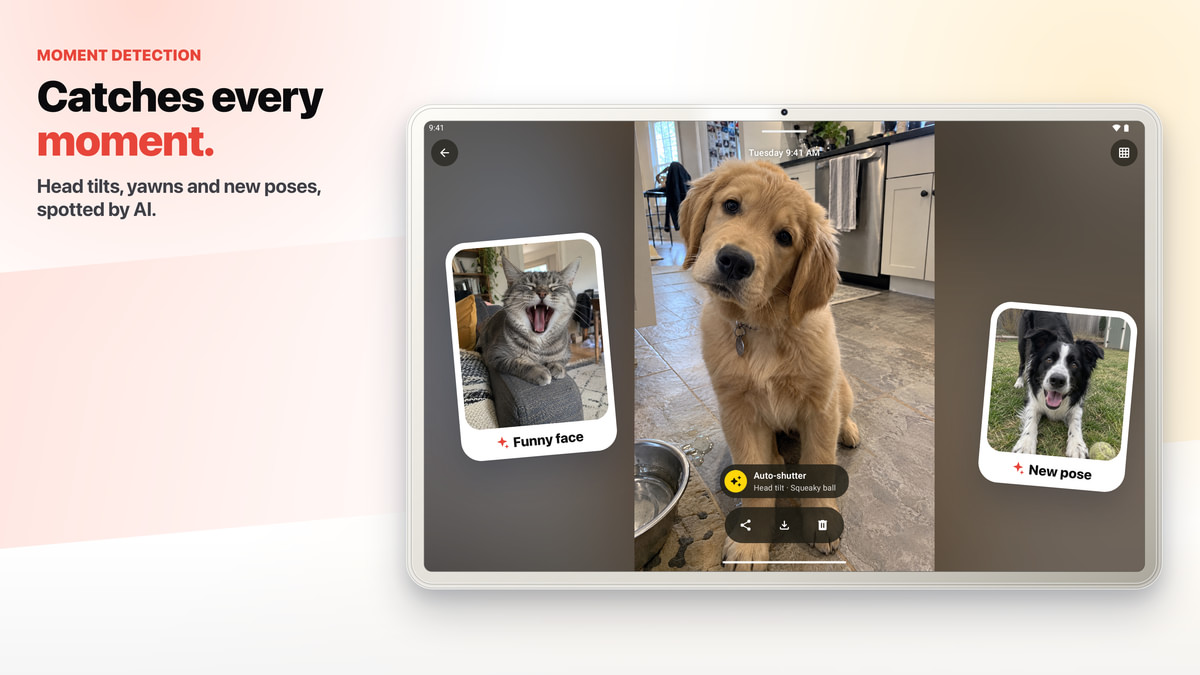
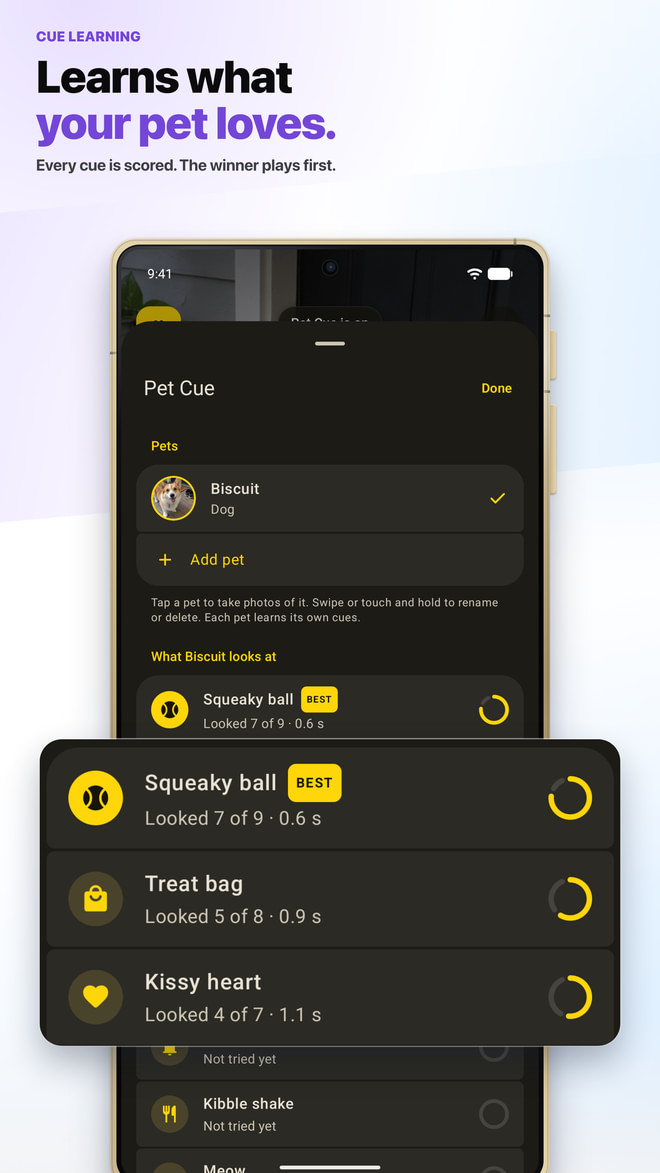
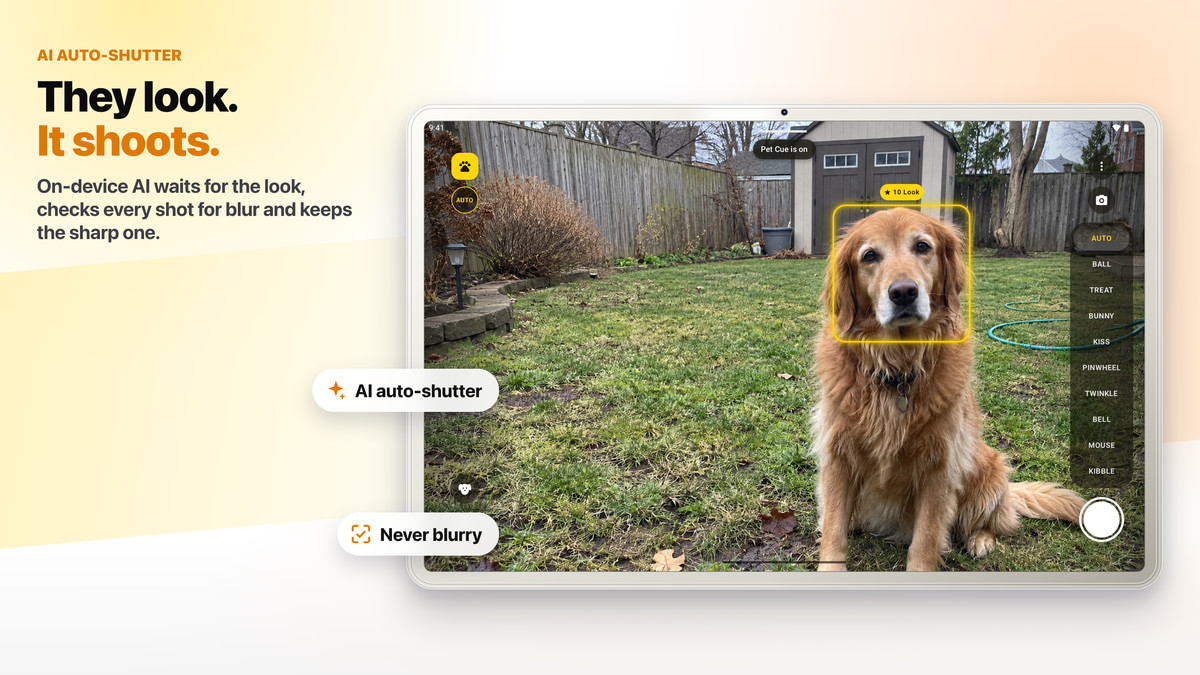
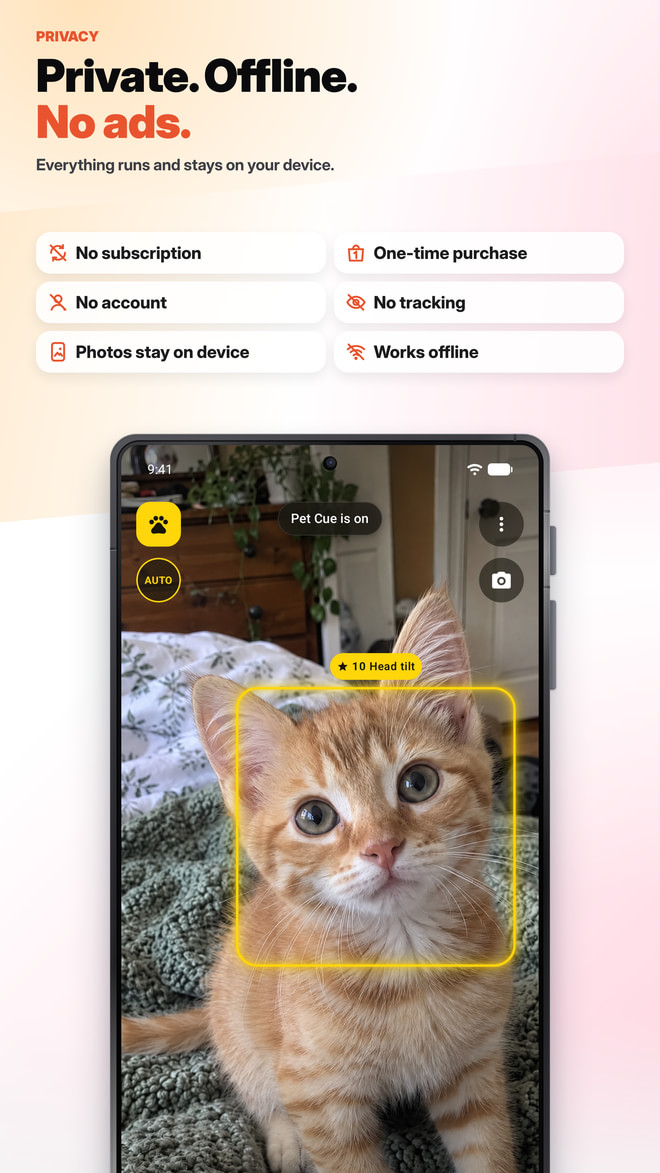
On Android
On-device pose models find your dog or cat, and the auto-shutter takes the photo the instant your pet’s face turns to the lens. Pet Cue learns which cue works for each pet and plays it first.
The photo is taken the moment your dog or cat looks at the lens.
Pet Cue waits for stillness, checks every automatic photo for blur and keeps going until a photo scores 8 or more out of 10.
Every cue is scored on whether your pet looked and how fast; AUTO plays the winner first.
18 of them, from a squeaky ball to a knock at the door, or your own voice.
One tap: a photo every time your pet looks, a new cue when it loses interest.
Moments in Multi-Shot sessions.
Opens the camera over the lock screen, cues and all.
Take the photo, or start and stop a session. A switch in More turns it off.
For selfies, the cue glows just under the front camera.
Dogs, cats, birds and more, each with its own cues and learning.
Yellow, Sky, Coral, Mint, Lilac and Graphite.
Foldables and flips
On a foldable, the cue can face your pet from the cover screen, right beside the rear camera.
On a book-style foldable, such as a Samsung Galaxy Z Fold or Google Pixel Fold, opened flat, the cue can play on the cover screen while you frame the shot on the inner display. On a flip phone, such as a Samsung Galaxy Z Flip, it can play on the cover display, by the cameras.
Where a phone doesn’t let apps use its cover screen, Pet Cue says so in its Guide and uses sounds and the flashlight twinkle instead.
Private
Pet Cue for Android works offline.
Detection, learning and Moments run on your phone. No account, no ads, no tracking, and your pet’s photos stay on your phone unless you share them. The app sends only a little pseudonymous usage data, tied to a random install ID, to count installs and see which links and ads work.
Requires Android 8.0 or later.