 Pet Cue
Pet Cue › Dog photos
How to get your dog to look at the camera.
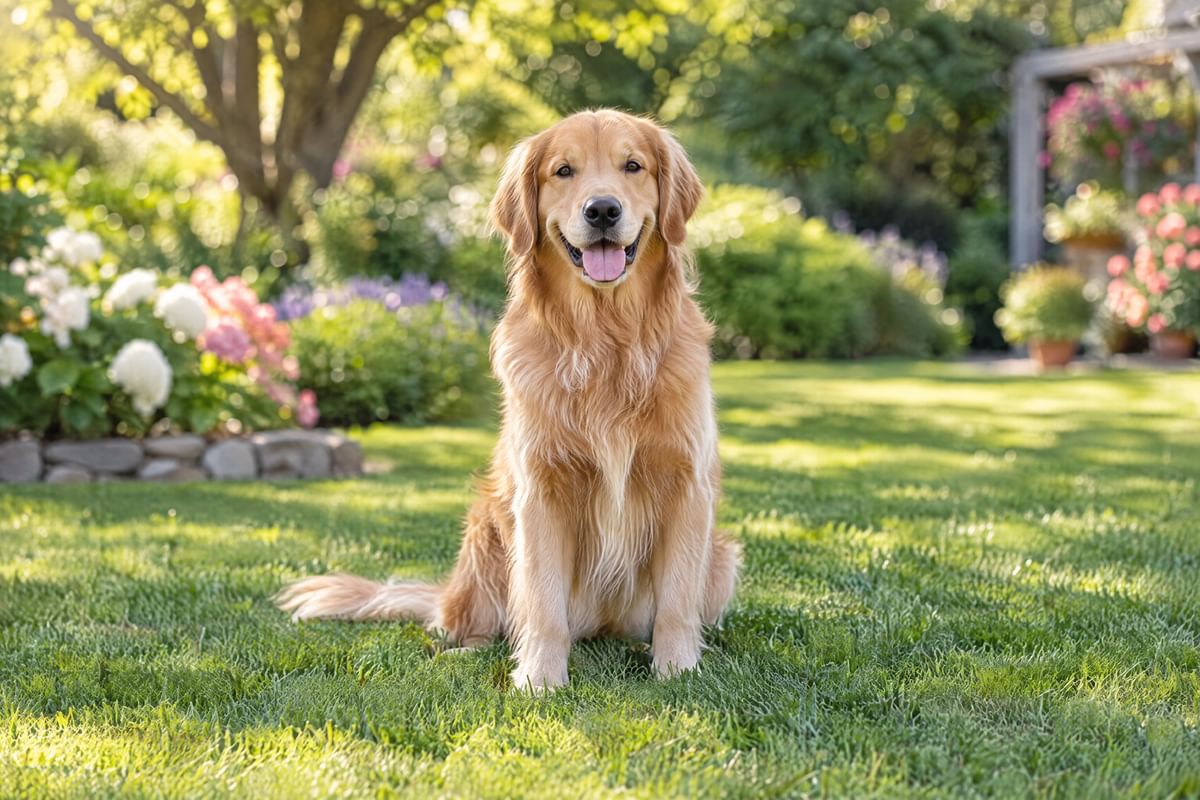
Get down to your dog’s eye level in good light, make a sound it doesn’t hear every day, and take the photo the instant it looks: the look lasts a second or two. Pet Cue does the last two steps for you. It plays a cue made for pets, and its on-device AI takes the photo the moment your dog faces the lens.
Seven tips that work
- Find good light. Daylight from a window, or open shade outdoors, gives bright eyes and a sharp photo. Avoid shooting toward a bright window behind your dog. The auto-shutter needs light to see the face, too.
- Get down to eye level. Crouch or sit so the lens is level with your dog’s eyes. From standing height, most photos show the top of the head.
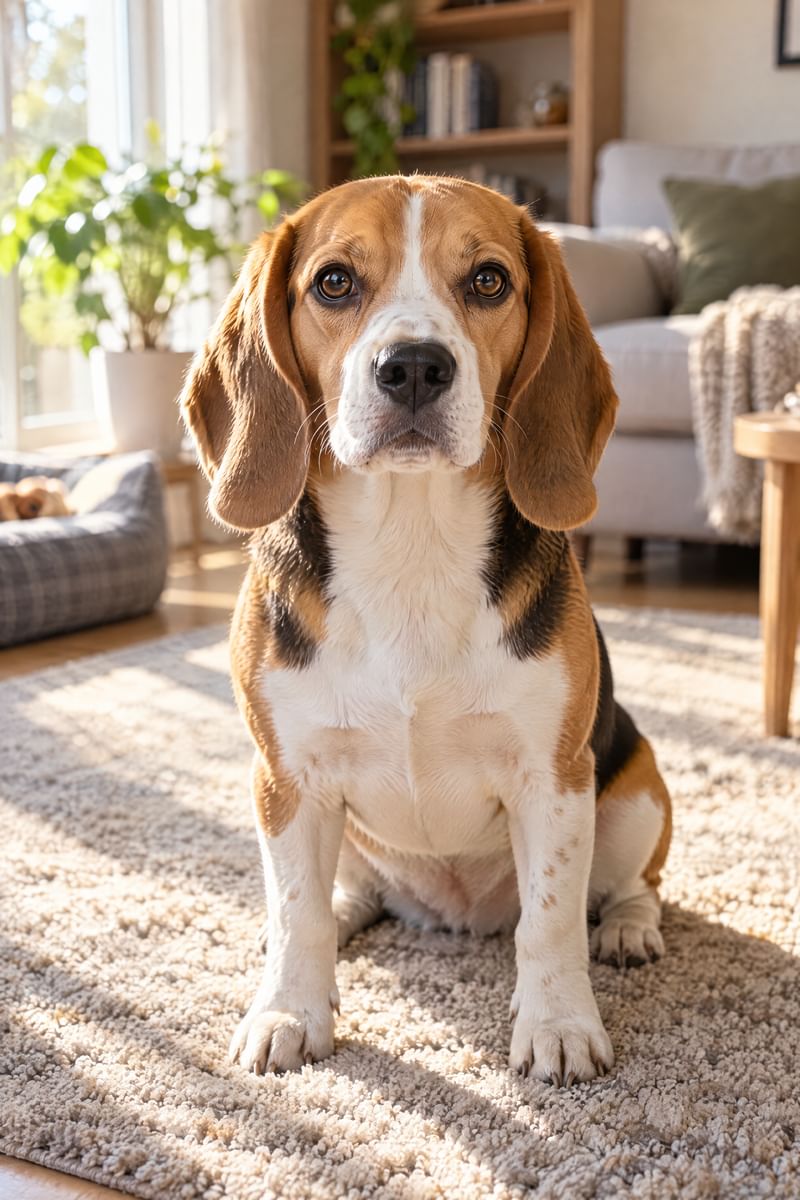
- Fill the frame with the face. Move closer rather than zooming far. A face that fills a fair part of the frame is sharper, and it is what the auto-shutter looks for.
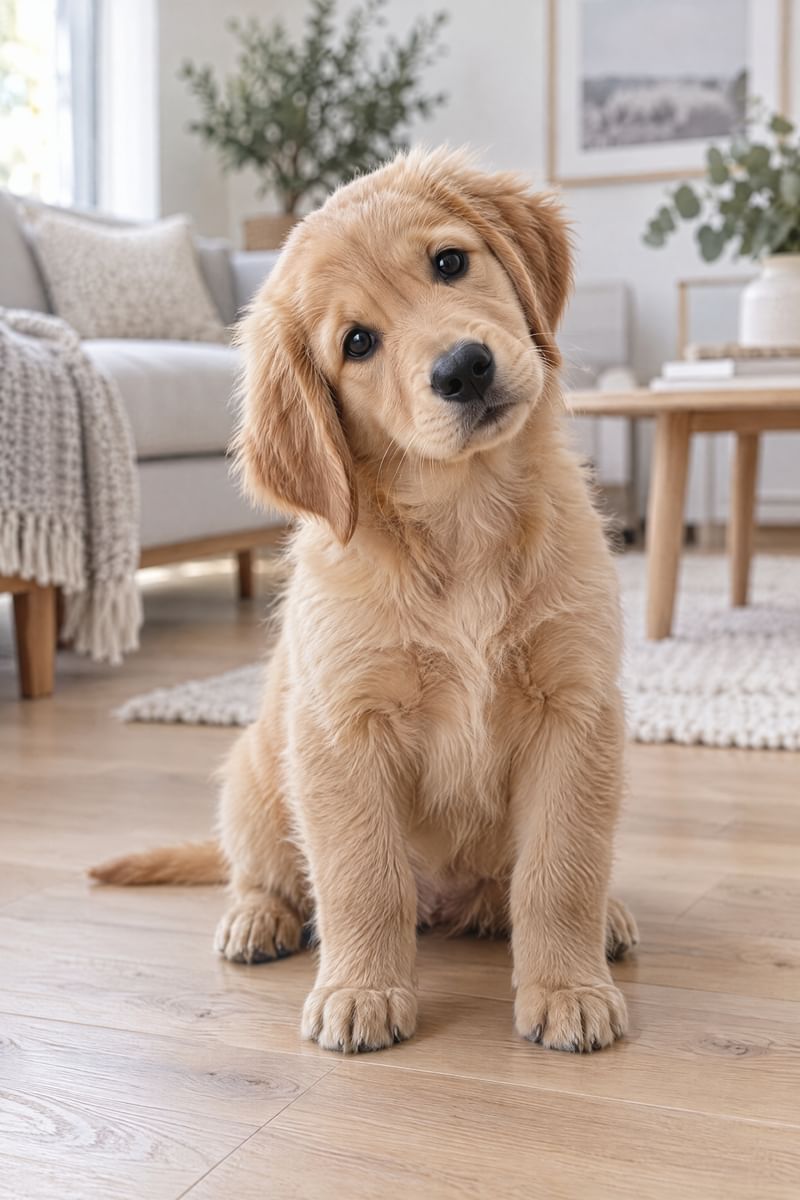
- Use a sound it doesn’t expect. Dogs tune out sounds they hear all day. A new squeak, a crinkle or a knock makes them look, and often tilt their head. Change the sound often.
- Keep the treat beside the lens. If you use a treat, hold it right next to the lens so the gaze lands on the camera, not on your hand.
- Be ready before the look. The look lasts a second or two. Have the camera up before you make the sound, or let the auto-shutter wait for it. A fast shutter keeps a moving dog sharp.
- Keep it short and rewarding. A few minutes at a time, with praise or a treat afterwards. After a walk, most dogs sit more calmly.
With Pet Cue
Pet Cue is a camera app for dogs and cats that handles the hard part: the look.
- Open Pet Cue, or press its control on the Lock Screen, and choose your dog.
- Get down to eye level, fill the frame and tap the shutter.
- A cue plays. AUTO picks the sound your dog has responded to best so far.
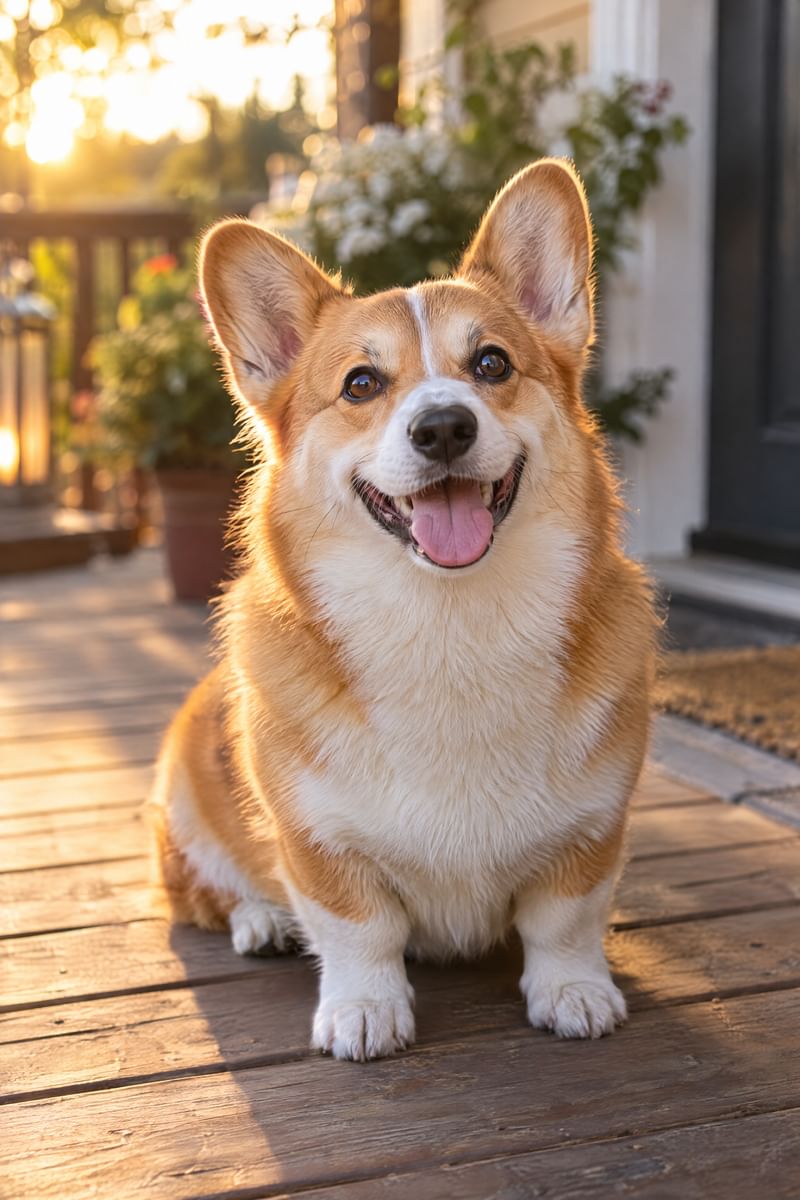
- The moment your dog looks at the lens and holds still, Pet Cue takes the photo, checks it for blur and keeps trying until it is sharp. For a photo shoot, turn on MULTI: Pet Cue keeps going and also catches head tilts, funny faces and new poses.
- Every photo’s caption says which cue worked and how fast your dog looked, and Pet Cue remembers it for next time.
Sounds dogs react to
- Squeaky ball
- Treat bag
- Knock knock
- Doorbell
- Kibble shake
- Mouse
- Meow
- Kissy heart
- Bunny hop
- Pinwheel
- Twinkle
Doorbells and knocks mean someone is at the door; squeaks and crinkles mean toys and treats. Which one works best is different for every dog, so Pet Cue scores every cue on your dog and plays the winner first, while still trying the others now and then.
Tricky cases
Shaggy breeds
When the eyes hide in the fur, as with schnauzers and sheepdogs, Pet Cue takes a second, closer look at the dog alone.
Head tilts
New sounds are exactly what make a dog tilt its head. In Multi-Shot, Pet Cue photographs the tilt even if your dog isn’t looking straight at the lens.
Restless puppies
Pet Cue waits for a still moment, so a wriggling puppy doesn’t end up as a blur. For a whole photo shoot, turn on MULTI: one tap, a sharp photo at every look and a new cue when interest fades.
Pet Cue takes the photo the instant your pet looks at the lens. $2.99 once, no ads, no account. See every feature or read the FAQ.
$2.99 once. No subscription. No in-app purchases.