 Pet Cue
Pet Cue › Cat photos
How to get your cat to look at the camera.
Wait for a calm moment, get to your cat’s eye level in soft light, and use a sound that means prey or food: a bird trill, mouse squeaks or a treat bag. Then take the photo the instant it looks. Pet Cue plays those cues, learns which one your cat looks at fastest, and takes the photo the moment your cat faces the lens.
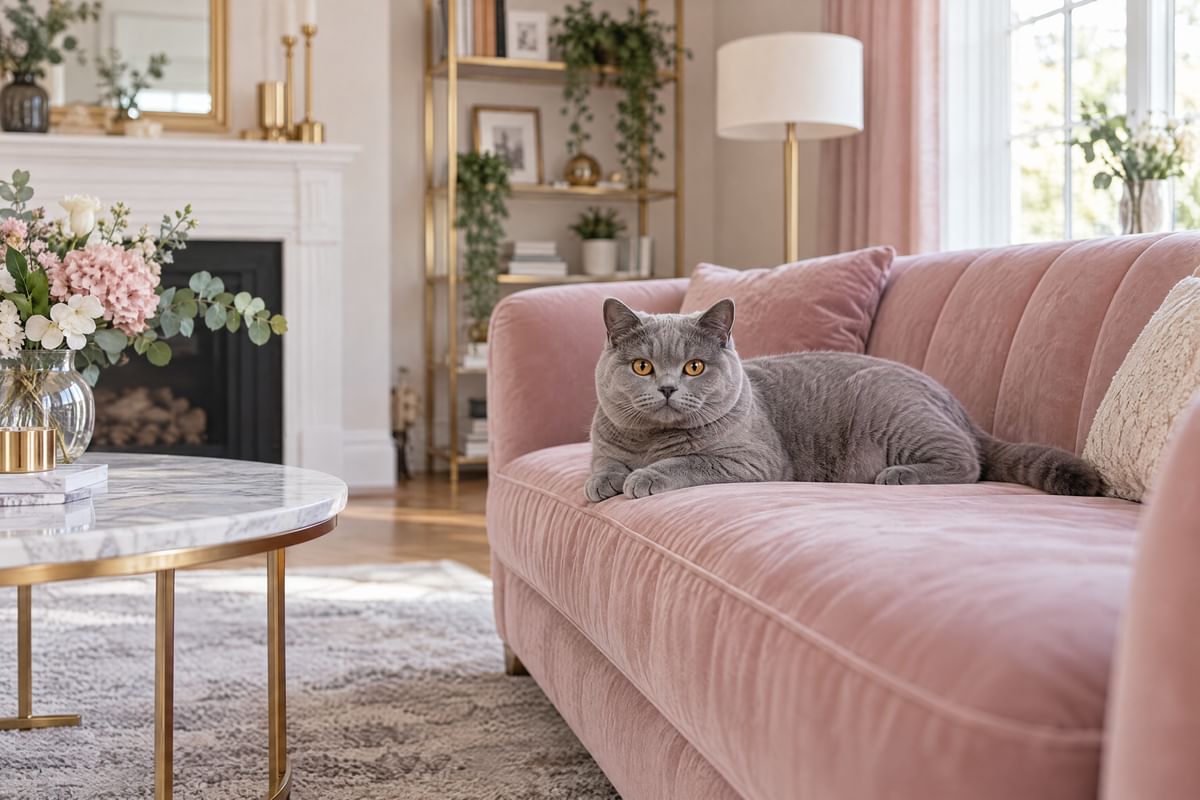
Seven tips that work
- Pick a calm moment. After a meal or a play session, most cats sit still for longer. Don’t chase a cat that wants to leave.
- Use soft, even light. Window light is ideal. Skip the flash: it startles many cats and turns their eyes into glowing discs.
- Come down to its level. Shoot from your cat’s eye height, and let it settle where it likes rather than moving it.
- Use prey and food sounds. A bird trill, mouse squeaks, crickets, a treat-bag crinkle or a can opener get a cat’s attention. A sound it hears all day won’t.
- Keep sounds short. Loud or constant noise sends a cat away. A short cue, then a pause, works better.
- Be patient and ready. A cat looks for a moment, then looks away. Have the camera ready, or let the auto-shutter wait for the look.
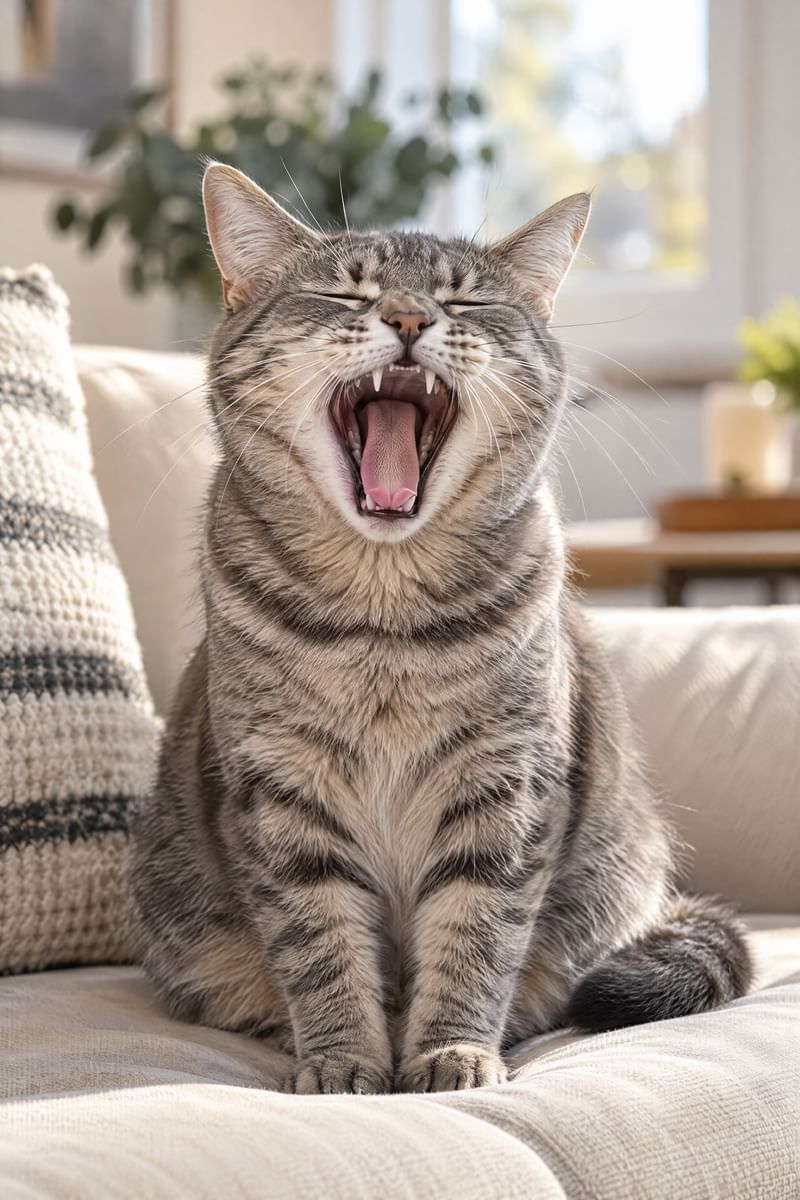
- Catch the in-between. Relaxed cats yawn, stretch and change position. In Multi-Shot, Pet Cue catches funny faces and new poses even when your cat isn’t looking.
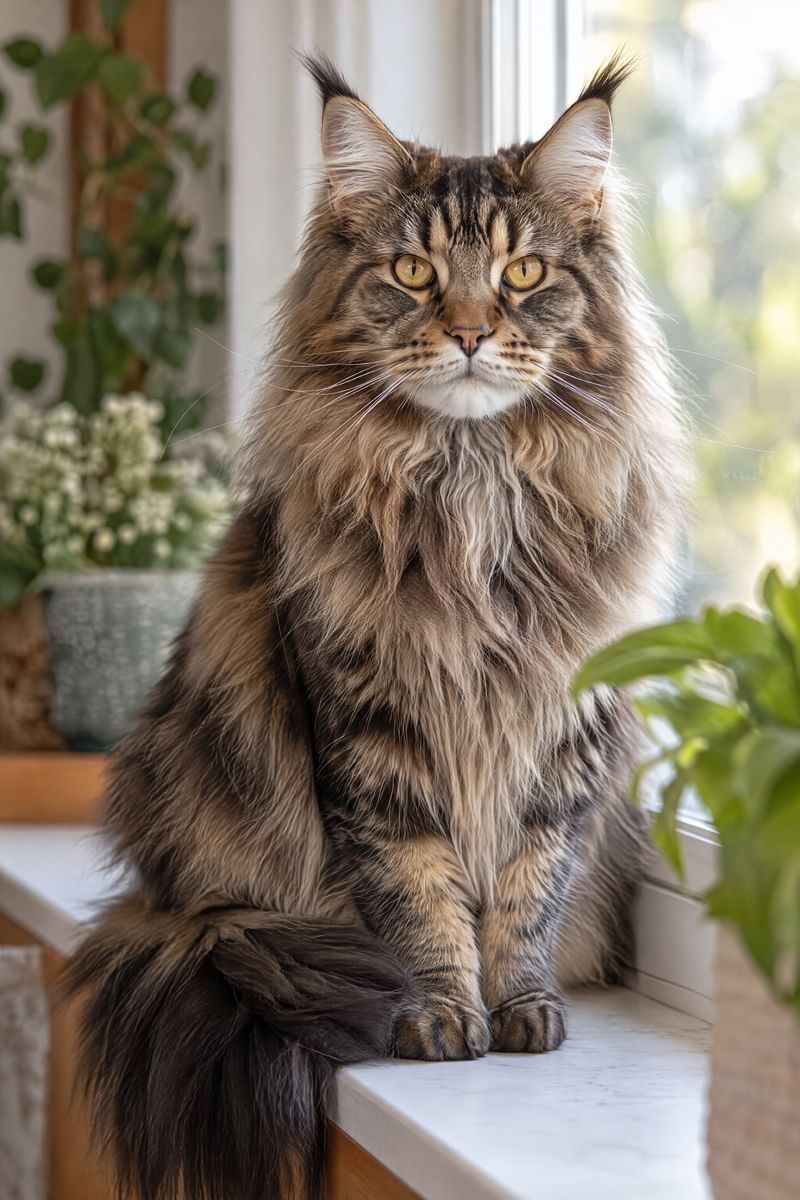
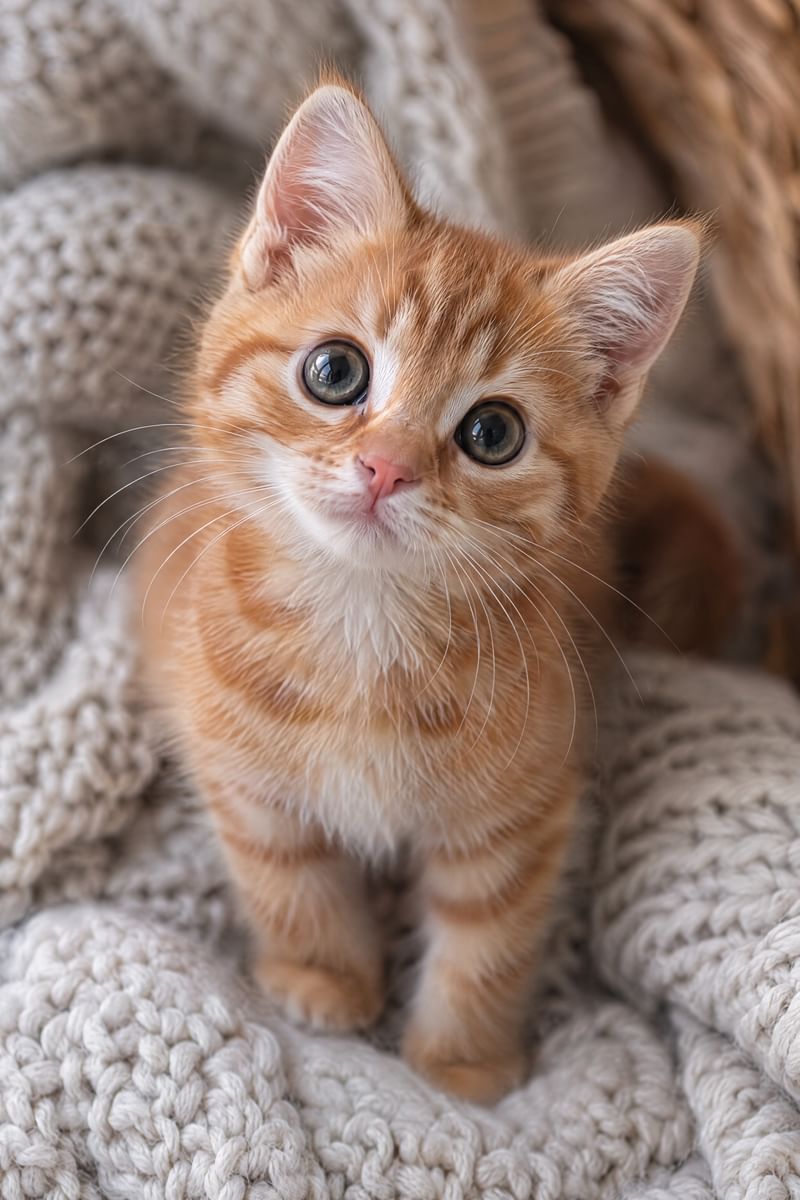
With Pet Cue
Pet Cue is a camera app for dogs and cats that handles the hard part: the look.
- Open Pet Cue and add your cat (kind: Cat). Pet Cue picks the cat cues.
- Sit at your cat’s eye level in soft light and tap the shutter.
- A cue plays, such as a bird trill or mouse squeaks. AUTO plays your cat’s best cue first.
- The moment your cat faces the lens and holds still, Pet Cue takes the photo and checks it for blur, trying again until it is sharp. With MULTI on, yawns, tongue-outs and new poses are captured too.
- Captions show which cue worked and how fast, and Pet Cue learns from every try.
Sounds cats react to
- Bird trill
- Mouse
- Crickets
- Can opener
- Treat bag
- Kibble shake
- Kissy heart
- Twinkle
Trills, squeaks and crickets sound like prey; a can opener and a treat bag mean food. Every cat has its favourite, so Pet Cue keeps score for your cat and plays the winner first. Twinkle also pulses the flashlight gently beside the lens.
Tricky cases
Cats that ignore the camera
Try Pet Cue’s silent mode: turn Cue off and leave Auto-shutter on, and the camera simply waits for the look.
Several cats
Add each cat as its own pet. Each one learns its own favourite cue.
Selfies with your cat
Switch to the front camera: the cue glows in a small window under the camera, so your cat looks toward the lens and you.
Pet Cue takes the photo the instant your pet looks at the lens. $2.99 once, no ads, no account. See every feature or read the FAQ.
$2.99 once. No subscription. No in-app purchases.